
Blog from M's system
Key Points for Improving Sound Quality When Enjoying Audio from Smartphones: "Key Settings in the Amazon Music App"
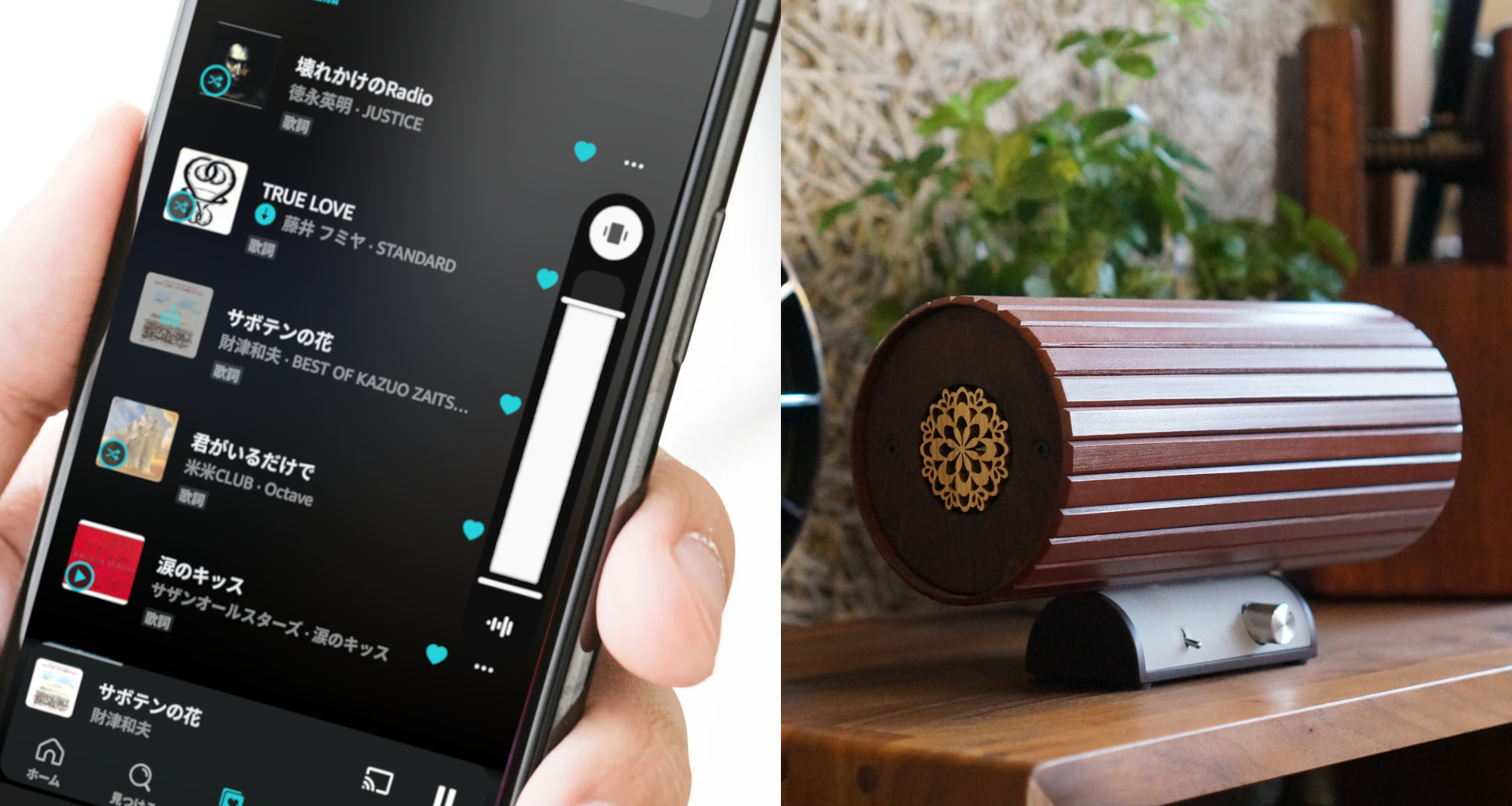
Today, we'll guide you through key points for improving sound quality through Amazon Music app settings.
For the Amazon Music app, if you have subscribed to the paid plan "Amazon Music Unlimited," you can utilize settings that enable sound quality improvement.
These settings are available on both Android and iPhone apps.
The Amazon Music app has separate settings for enjoying streaming and for downloading high-quality music data.
Let's quickly guide you through each method!
After launching the Amazon Music app:
① Touch the [User Icon] in the upper left corner of the screen
② Touch [⚙Settings] from the displayed menu
These steps are common for both streaming and download settings.
◆Setting Method for Streaming
Touch [Streaming Settings] from the [Playback] category
On the displayed screen, you can set sound quality for each communication method: Wi-Fi connection and mobile data communication.
When connected to Wi-Fi
・Best Available Quality
・HD/Ultra HD
・Standard
When using mobile data
・Best Available Quality
・HD/Ultra HD
・Standard
・Data Saver
You can select from these available sound quality settings.
To improve sound quality, please set it to "Best Available Quality."
※ Depending on your Amazon Music subscription plan, unavailable options may not be displayed.
※ During streaming, communication costs may occur depending on your smartphone contract plan, so please be careful.
◆Setting Method for Downloading High-Quality Music Data
Touch [Download Settings] from the [Playback] category
・Best Available Quality (HD/Ultra HD)
・Standard
・Data Saver
You can select from these available sound quality settings.
To improve sound quality, please set it to "Best Available Quality."
※ Depending on your Amazon Music subscription plan, unavailable options may not be displayed.
※ Setting "Download only on Wi-Fi" to "ON" will prevent downloads during mobile data communication, making it easier to save on communication costs.
That completes the settings.
If you have access to high-quality music, please give it a try.



More from our Blog
You may also be interested in
Latest in "News"

テレビ朝日
このたび、テレビ朝日「じゅん散歩」の新富町散策の中で、エムズシステムにお立ち寄りいただきました。 放送予定は、2026年10月1日(木)10:10〜10:40で…

テレビの
テレビの声が聞き取りにくいのは、テレビのスピーカーの音は一方向へ進むため、聞く場所が正面から少し外れるだけで届きにくくなってしまうからです。エムズシステムがご提…

部屋の
部屋の音環境を整える最初の一歩は、音を足すことでも、消すことでもありません。いま部屋にある音が「どこから、どんなふうに」届いているかを知ることです。私たちが考え…
Latest Articles
テレビ朝日
このたび、テレビ朝日「じゅん散歩」の新富町散策の中で、エムズシステムにお立ち寄りいただきました。 放送予定は、2026年10月1日(木)10:10〜10:40で…
テレビの
テレビの声が聞き取りにくいのは、テレビのスピーカーの音は一方向へ進むため、聞く場所が正面から少し外れるだけで届きにくくなってしまうからです。エムズシステムがご提…
部屋の
部屋の音環境を整える最初の一歩は、音を足すことでも、消すことでもありません。いま部屋にある音が「どこから、どんなふうに」届いているかを知ることです。私たちが考え…
Catalog Request
Product catalogs, customer voices, media features & more. Request materials here.
Newsletter
New products, events & more. Stay up to date with our latest news. Subscribe here.
Book a Session
Reserve your listening session.
Contact Us
Products, maintenance, events & more. Get in touch with us. We'd love to hear from you.